
Menus that move with your business.
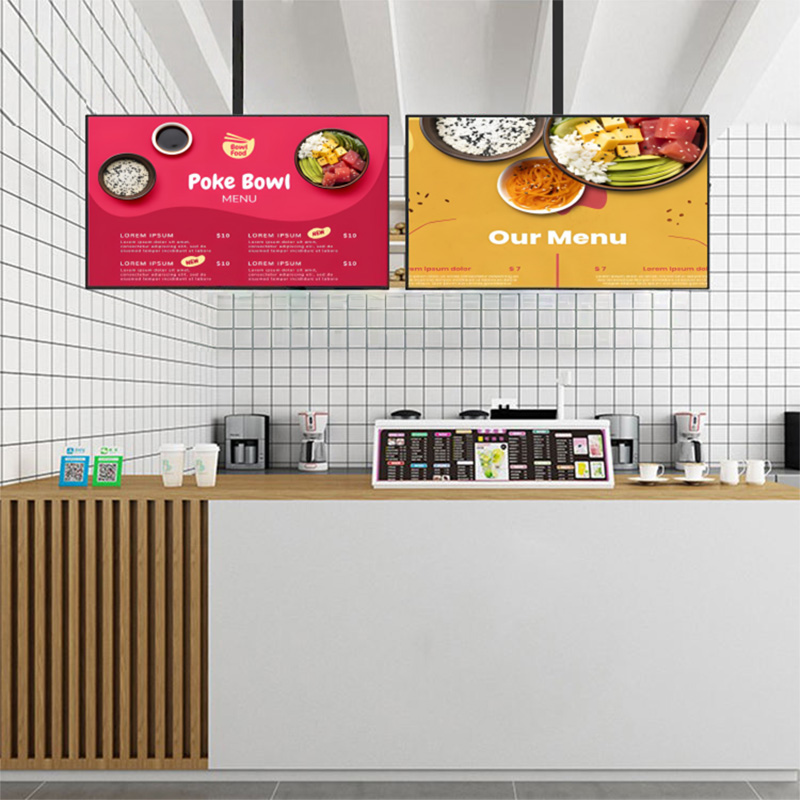
Commercial menu displays for restaurant counters, cafés, food courts and hospitality spaces. Show menus and promotions with an Android and CMS-based workflow, with mounting options suited to the site.
The right role
for the display.
Start with the real use of the product, then bring the installation and content requirements into the selection.
Organize information for ordering
Create a clear hierarchy for categories, items, prices and promotions. Treat text size and viewing distance as part of the display project, not as the last step of graphic design.
Plan updates around operations
Menu changes need an owner and an update routine. Alihh describes remote CMS support in the menu-board range, helping connect display content with ongoing restaurant operations.
Align the mounting with the counter
Wall-mounted and hanging options support different interiors. Confirm the support structure, cables, maintenance access and required layout before selecting screens.
A project brief, before a specification.
| Application | Menus, pricing and promotional content |
|---|---|
| Platform | Android options in the menu-board range |
| Management | Remote CMS support |
| Mounting | Wall and hanging options by project |
| Panel selection | Brightness, resolution and bezel confirmed by model |
This summary describes the product direction, not a universal model datasheet. Final hardware, software, dimensions and commercial terms are confirmed in the project quotation.
Product context: Alihh catalog ↗
Clarify the next decision.
Can several screens form one menu area?
A multi-screen layout can be planned for a restaurant project. Confirm the mounting, content format and playback approach for the chosen screens.
Which brightness and resolution should I choose?
Assess the actual lighting, viewing distance and content. Individual catalog descriptions vary, so the final specification should be confirmed for the selected model.
Compare other display directions.
A display project starts with the right questions.
Share your application, installation space and software requirements. Let us help you define the next step.